> ## Documentation Index
> Fetch the complete documentation index at: https://strndocs.steffxyz.co.uk/llms.txt
> Use this file to discover all available pages before exploring further.
# Retrieving a Product
This page explains how to retrieve a product's files from the Parcel Cockpit. Follow the steps below to locate the product and access its files.
If you already have basic studio knowledge it is recommended you skip this page, to the products setup guide.
Head over to \*\*[cockpit.parcelroblox.com](http://cockpit.parcelroblox.com) \*\*and login to your account via Discord.
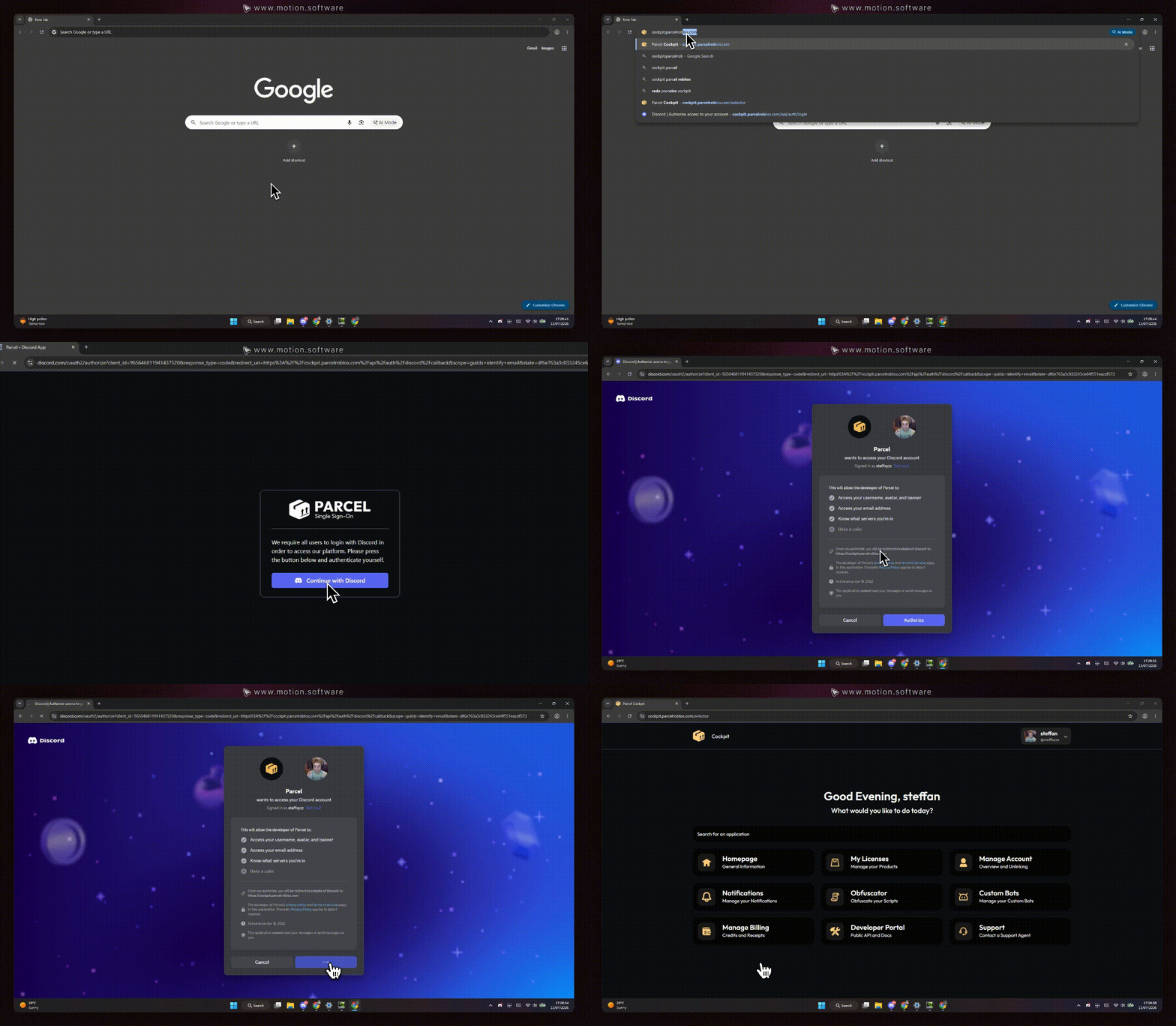 Once on the Parcel Cockpit, click on the **"My Licenses"** option. You'll find a list of companies you have purchased at via the Parcel platform. **Search the product** you would like to retrieve, and click on it.
.gif?s=d2f4e5c65e0e8308a1573c48a224be9d) Simply click on the **download** button for your file, and save it to somewhere you'll remember later.
Ensure that you have a valid license for the product you wish to download. Licenses can be purchased at [https://shop.parcelroblox.com/store/saturnsolutions](https://shop.parcelroblox.com/store/saturnsolutions).
Simply click on the **download** button for your file, and save it to somewhere you'll remember later.
Ensure that you have a valid license for the product you wish to download. Licenses can be purchased at [https://shop.parcelroblox.com/store/saturnsolutions](https://shop.parcelroblox.com/store/saturnsolutions).