> ## Documentation Index
> Fetch the complete documentation index at: https://strndocs.steffxyz.co.uk/llms.txt
> Use this file to discover all available pages before exploring further.
# Setup
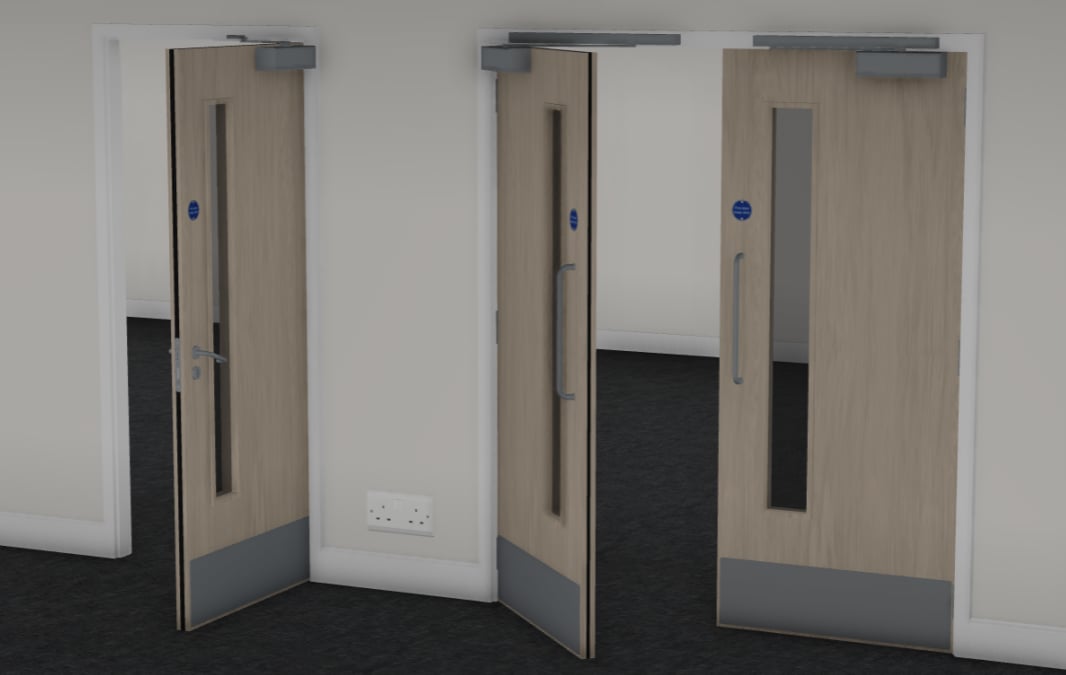 This page holds the basic setup guide for Saturn's GATEWAY doors line-up. Feature configuration is on a seperate page.
> Ensure that you have a valid license for this product. Licenses can be purchased via [https://shop.parcelroblox.com/store/saturnsolutions](https://shop.parcelroblox.com/store/saturnsolutions)
## Installation
Place the file in the workspace. Assistance with this can be found in the Fundamentals section.
Enable HTTP Requests & API Services. Assistance with this can be found in the Fundamentals section.
## Setup
Drag and drop the **GATEWAY™** folder under **GATEWAY™ by Saturn Solutions** into Replicated Storage.
You can delete the INSTRUCTIONS folder if following this guide.
This page holds the basic setup guide for Saturn's GATEWAY doors line-up. Feature configuration is on a seperate page.
> Ensure that you have a valid license for this product. Licenses can be purchased via [https://shop.parcelroblox.com/store/saturnsolutions](https://shop.parcelroblox.com/store/saturnsolutions)
## Installation
Place the file in the workspace. Assistance with this can be found in the Fundamentals section.
Enable HTTP Requests & API Services. Assistance with this can be found in the Fundamentals section.
## Setup
Drag and drop the **GATEWAY™** folder under **GATEWAY™ by Saturn Solutions** into Replicated Storage.
You can delete the INSTRUCTIONS folder if following this guide.
.gif?s=ed1ba3d58493f7ef7964821409d1e216 "Motion Video (5)") Not using the whitelist? You can skip this.
Navigate to the Configuration section under the GATEWAY™ folder we just placed in Replicated Storage.
Set the following values.
| Variable | Value |
| ---------------------------- | ------------------------------------------------------------------------- |
| **GConfig.WhitelistEnabled** | Set the value to True |
| **GConfig.GroupID** | Set the your group's ID. This can be found in the URL of your groups page |
| **GConfig.MinimumGroupRank** | Set to the lowest rank you want to be able to operate the doors |
Not using the whitelist? You can skip this.
Navigate to the Configuration section under the GATEWAY™ folder we just placed in Replicated Storage.
Set the following values.
| Variable | Value |
| ---------------------------- | ------------------------------------------------------------------------- |
| **GConfig.WhitelistEnabled** | Set the value to True |
| **GConfig.GroupID** | Set the your group's ID. This can be found in the URL of your groups page |
| **GConfig.MinimumGroupRank** | Set to the lowest rank you want to be able to operate the doors |