

1
Login to Parcel Cockpit
Head over to **cockpit.parcelroblox.com **and login to your account via Discord.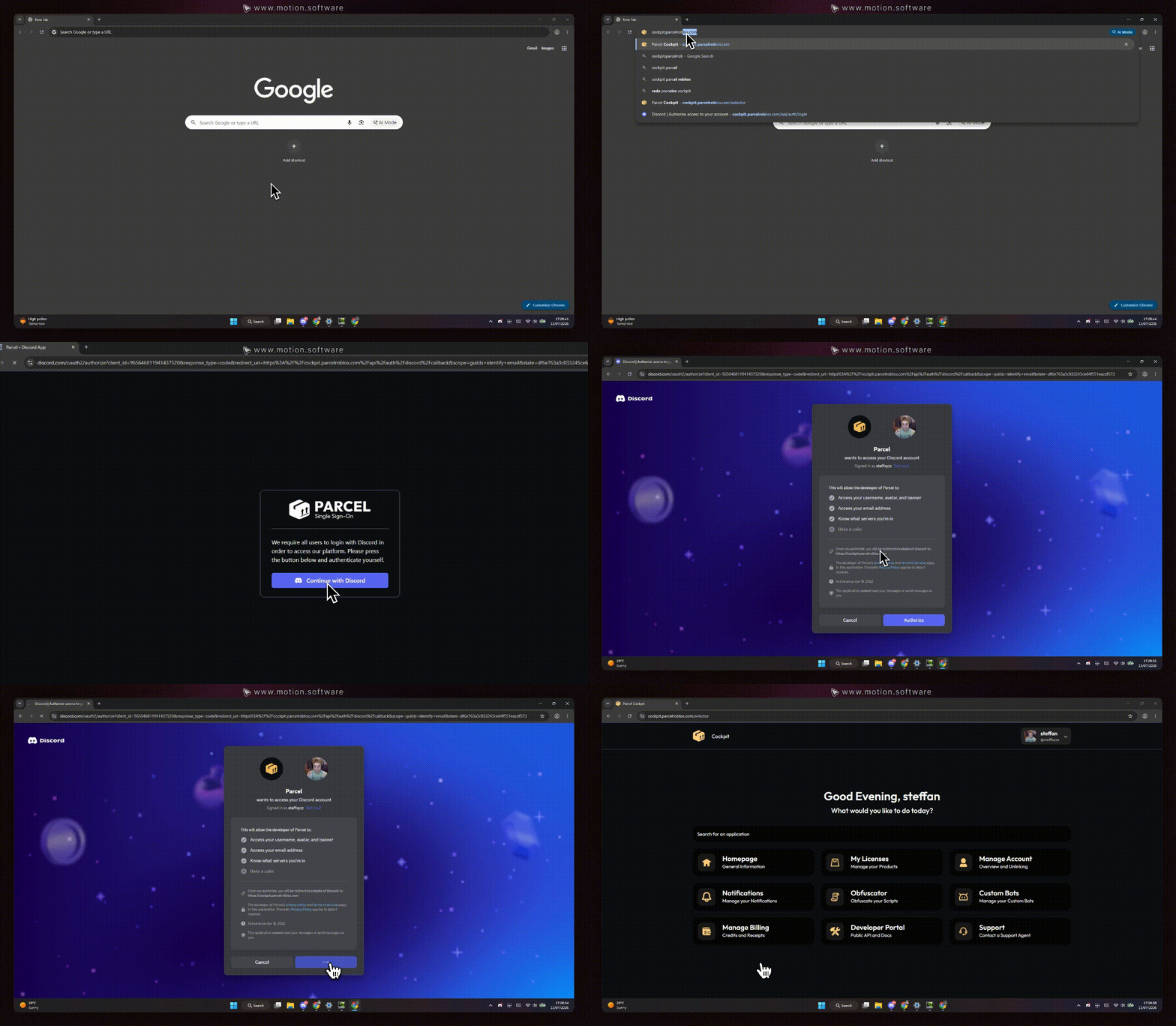
2
Locating your Product file
Once on the Parcel Cockpit, click on the “My Licenses” option. You’ll find a list of companies you have purchased at via the Parcel platform. Search the product you would like to retrieve, and click on it..gif?s=d2f4e5c65e0e8308a1573c48a224be9d)
3
Downloading your product file
Simply click on the download button for your file, and save it to somewhere you’ll remember later.
Ensure that you have a valid license for the product you wish to download. Licenses can be purchased at https://shop.parcelroblox.com/store/saturnsolutions.